I want to upgrade to the premium plan, how can I do that?
432 views 2
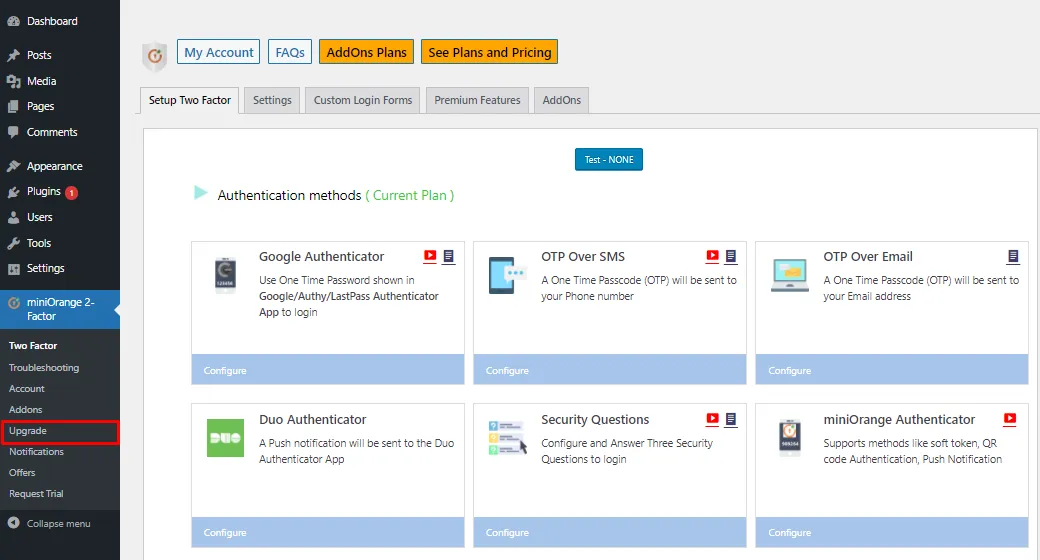
Go to the miniOrange 2-Factor plugin and click on the Upgrade button.
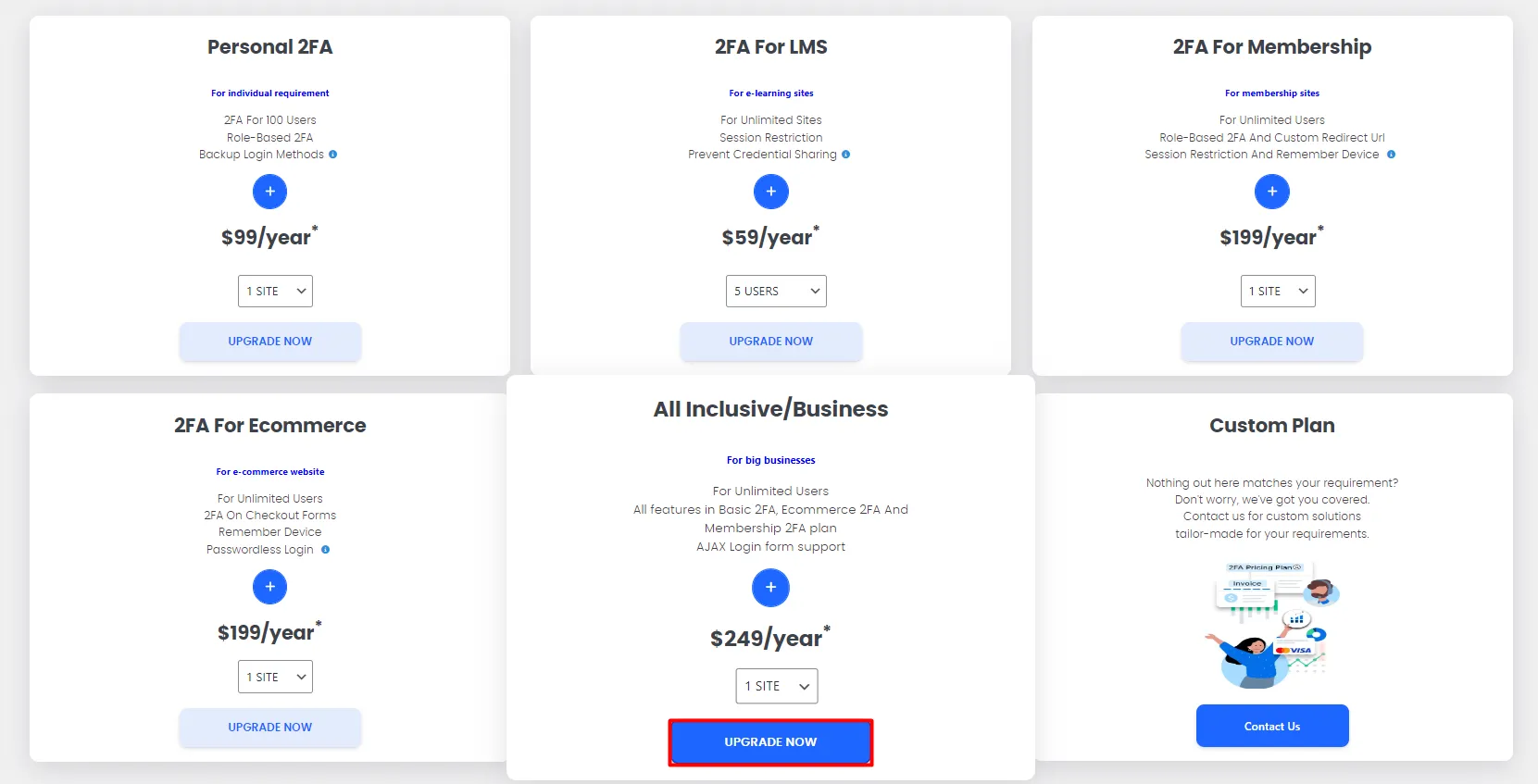
You will be navigated to the pricing page, now again click on the Upgrade button.
It will redirect you to the miniOrange console, enter your credentials and log in with your miniOrange account.
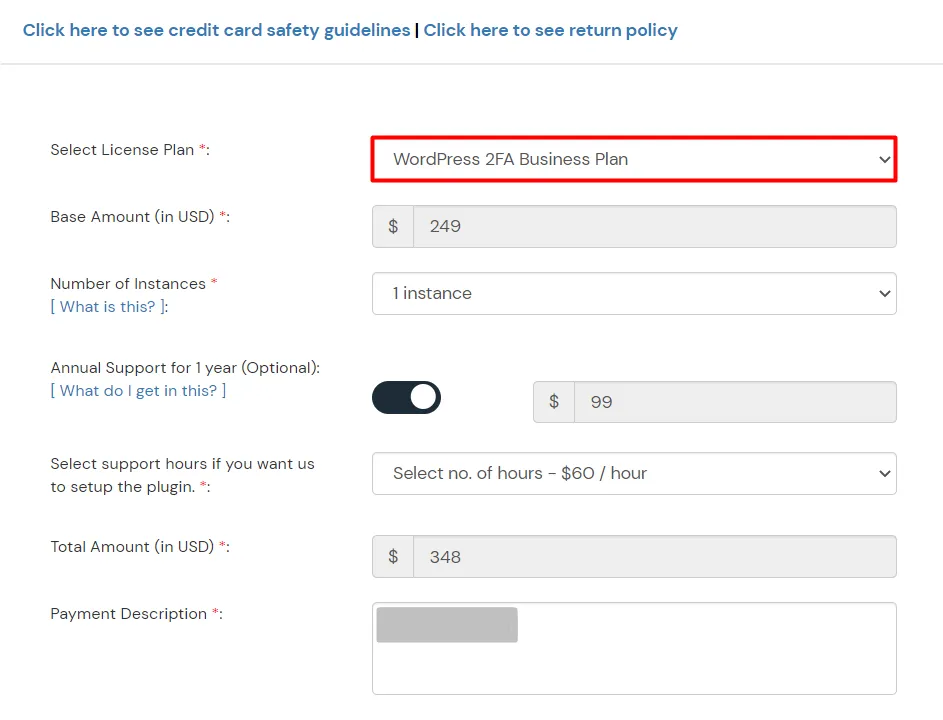
Now you have to fill in all the details.
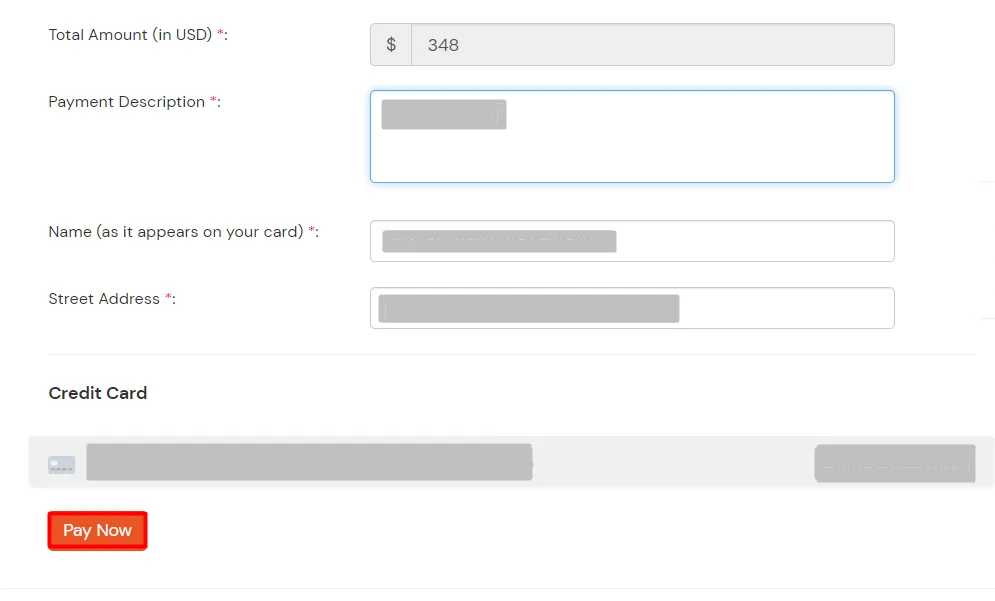
And Click on Pay Now.
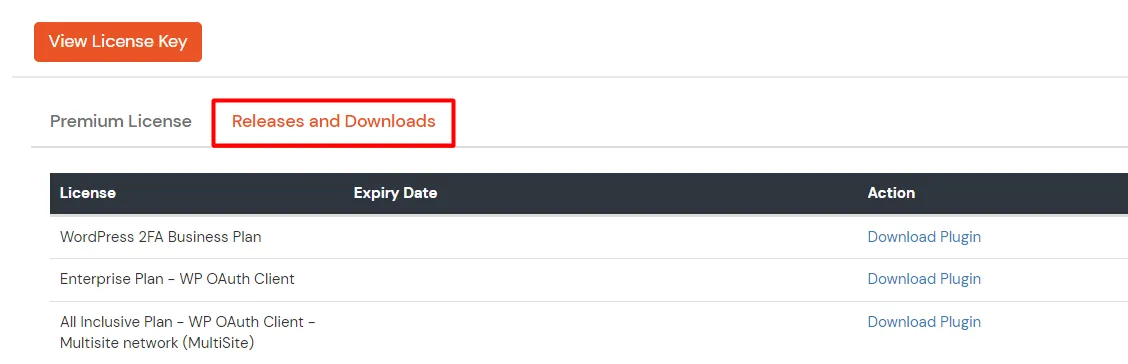
Click on Download Plugin to download the plugin.
After downloading the plugin go to the WordPress admin dashboard and delete the free plugin