I want to create my own Email template, how do I do that?
328 views
0
-
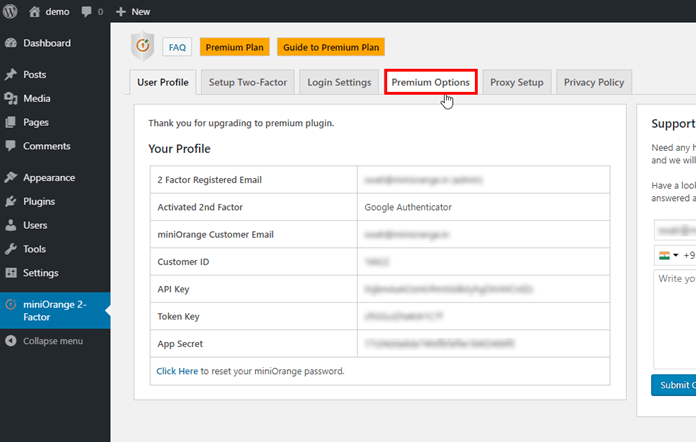
- Go to the miniOrange 2-Factor tab and Click on the Premium Options tab.
-
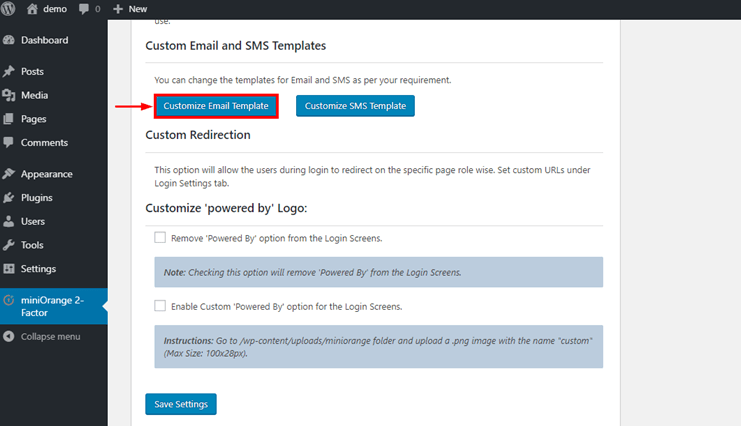
- Click on Customize Email Template. It will redirect you to the miniOrange console. Please enter your credentials to login with miniOrange.
-
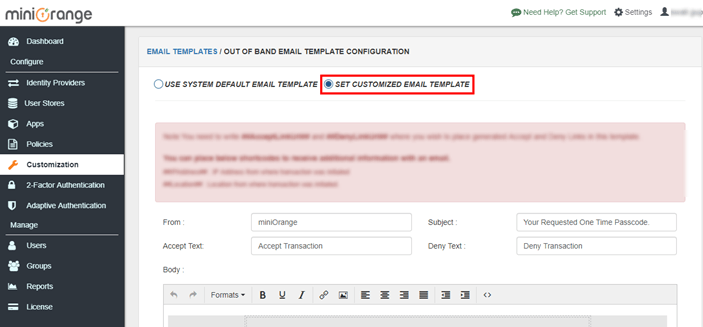
- Click on SET CUSTOMIZED EMAIL TEMPLATE.
-
- Now Customize the template according to your choice. And Click on the Save.
-
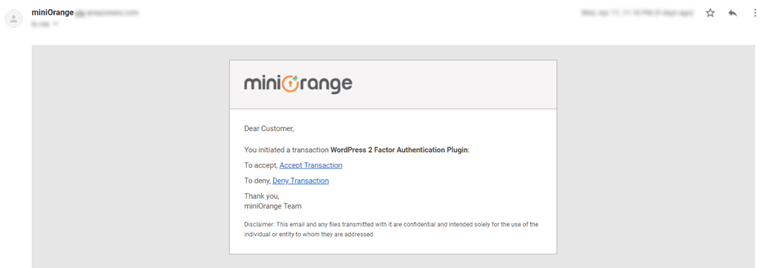
- Now, a customized template is ready when the user request for an email, the user gets an email with the customized template.
-
[User Experience]