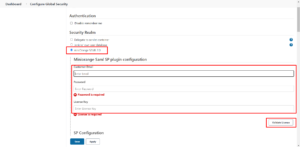
Below are steps to validate the license for the miniOrange SAML SSO plugin.
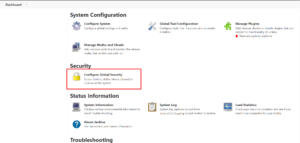
- Login to admin panel → Manage Jenkins → Configure Global Security.
- Under Authorization enable miniOrange SAML 2.0.
- Enter the email address and password for your miniOrange/Xecurify account.
- Enter the license key and validate the license.
- Save all the configurations.