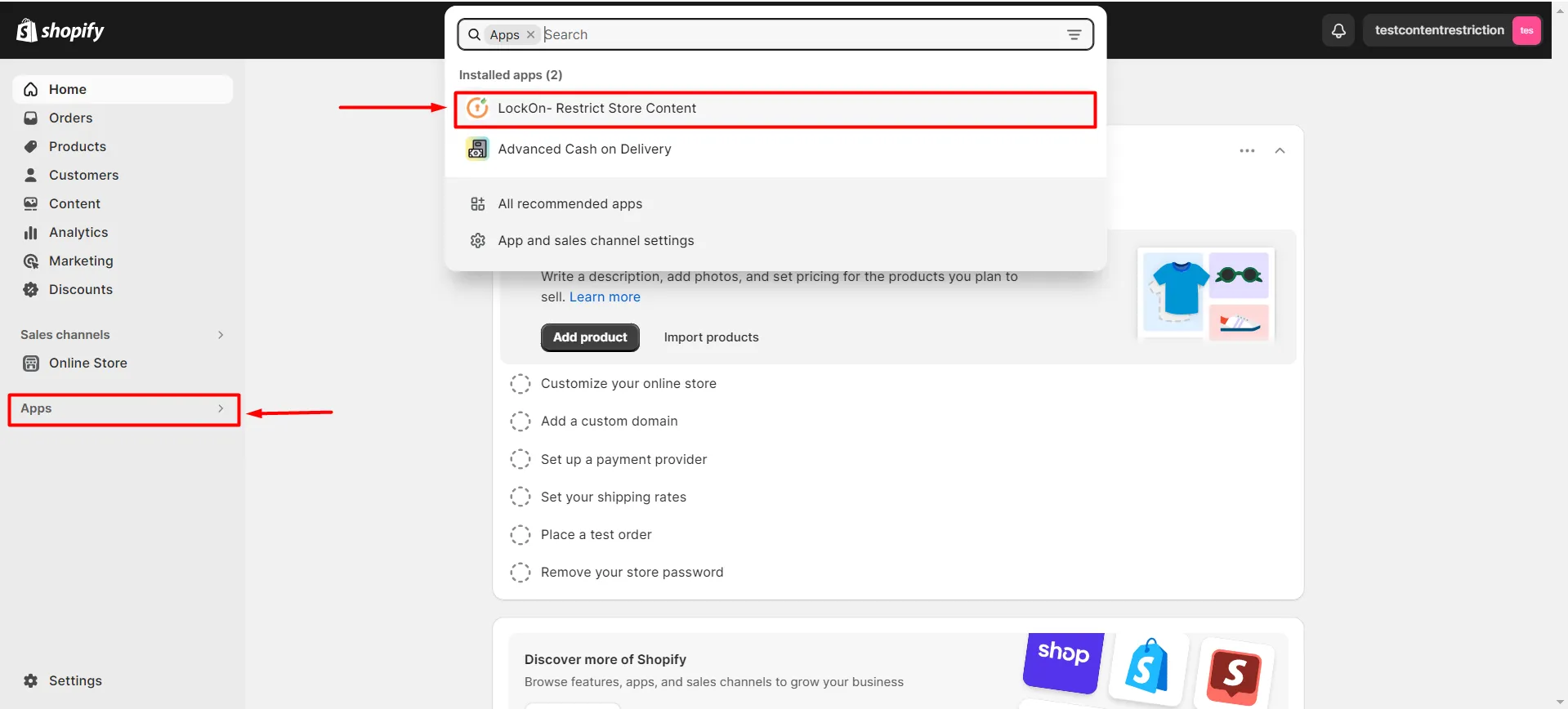
- Navigate to Apps >> LockOn – Restrict Store Content application.
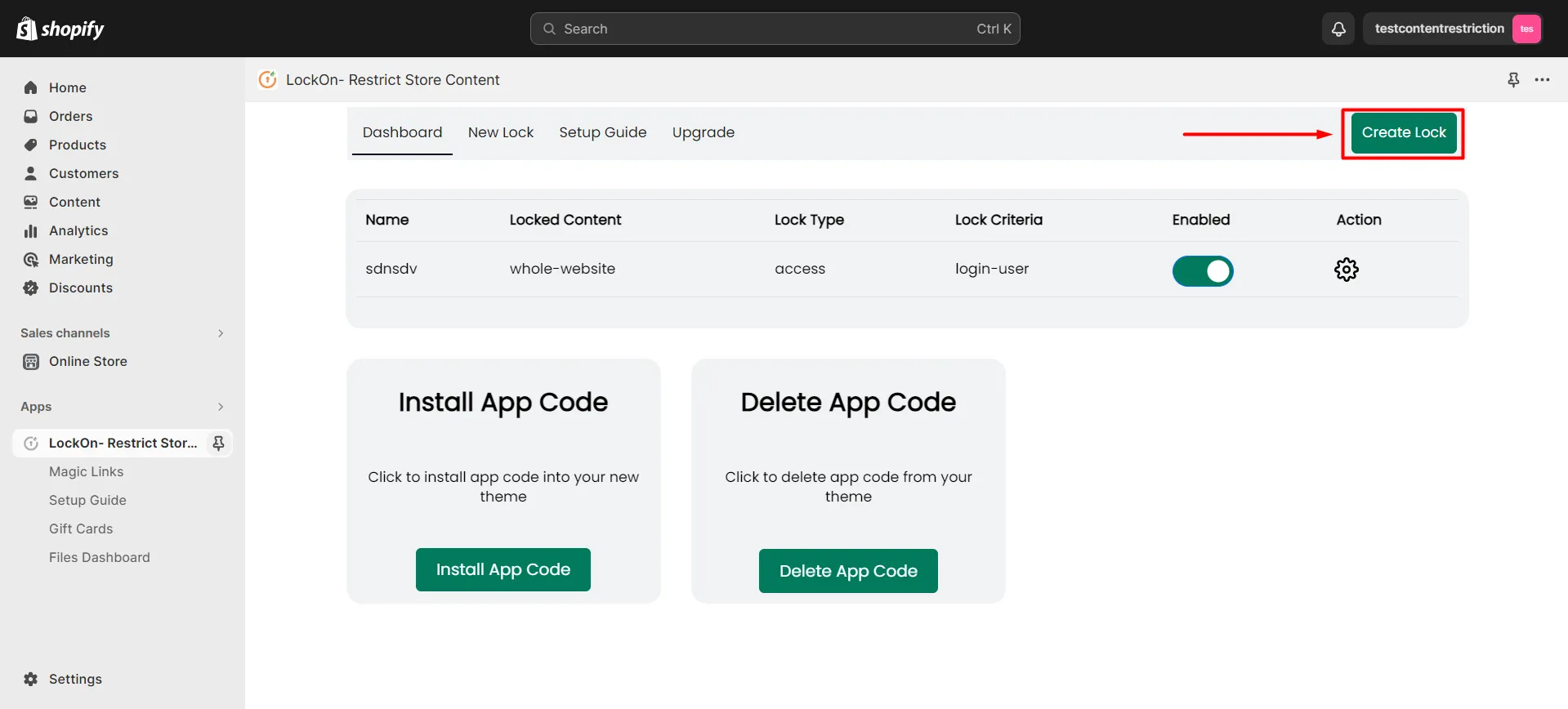
- Click on the Create Lock button.
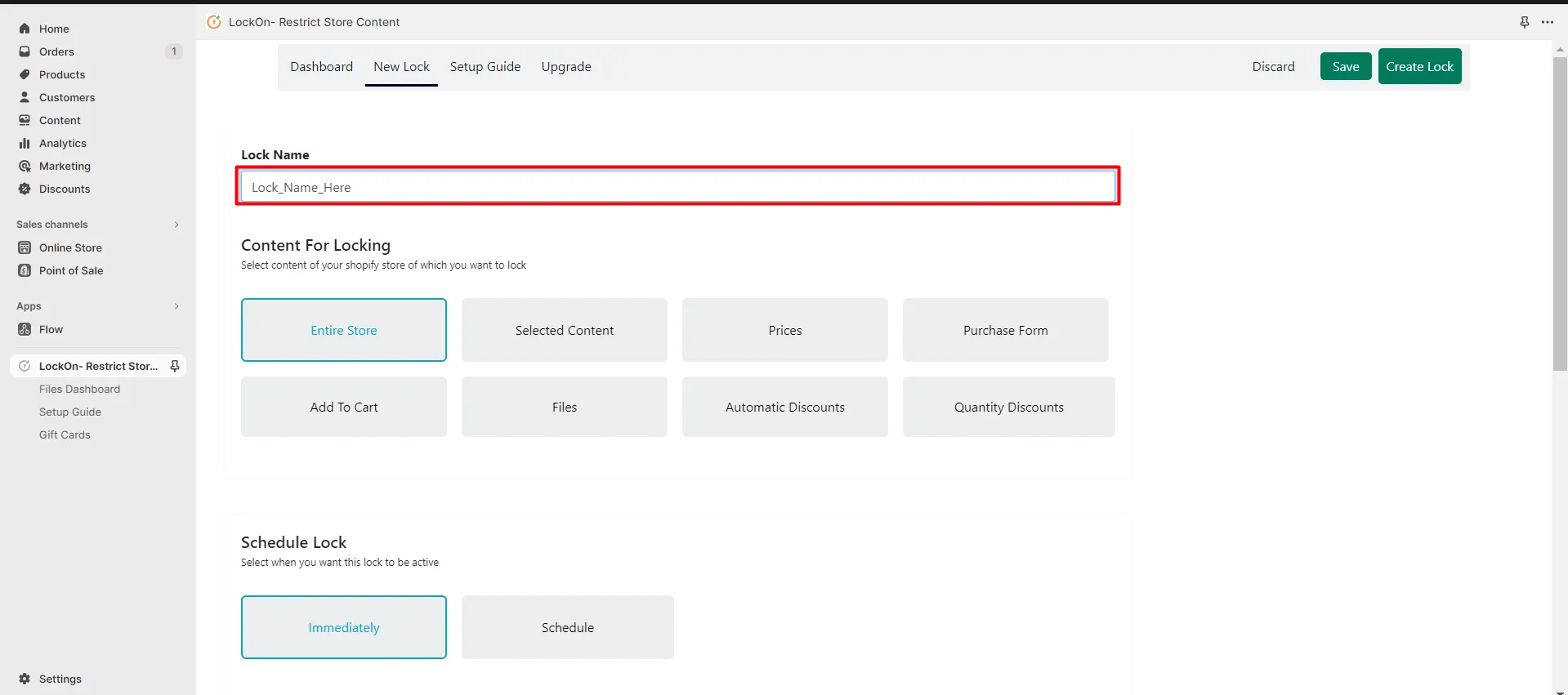
- Enter the name you’d like to give your lock in the Lock Name input box.
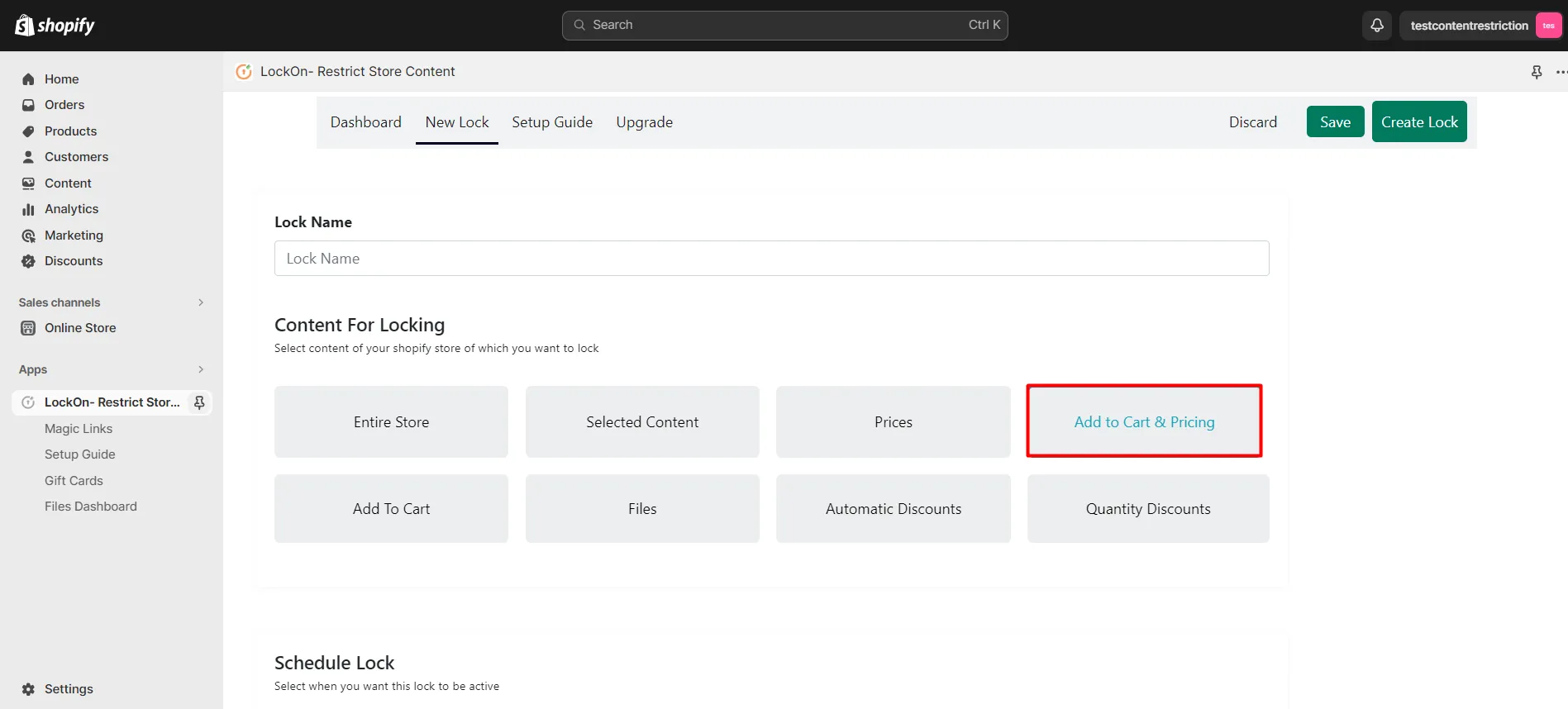
- Go to the Content For Locking section and select the Add to Cart and Pricing option.
- Navigate to the Key section and click on the Select Customer Criteria option.
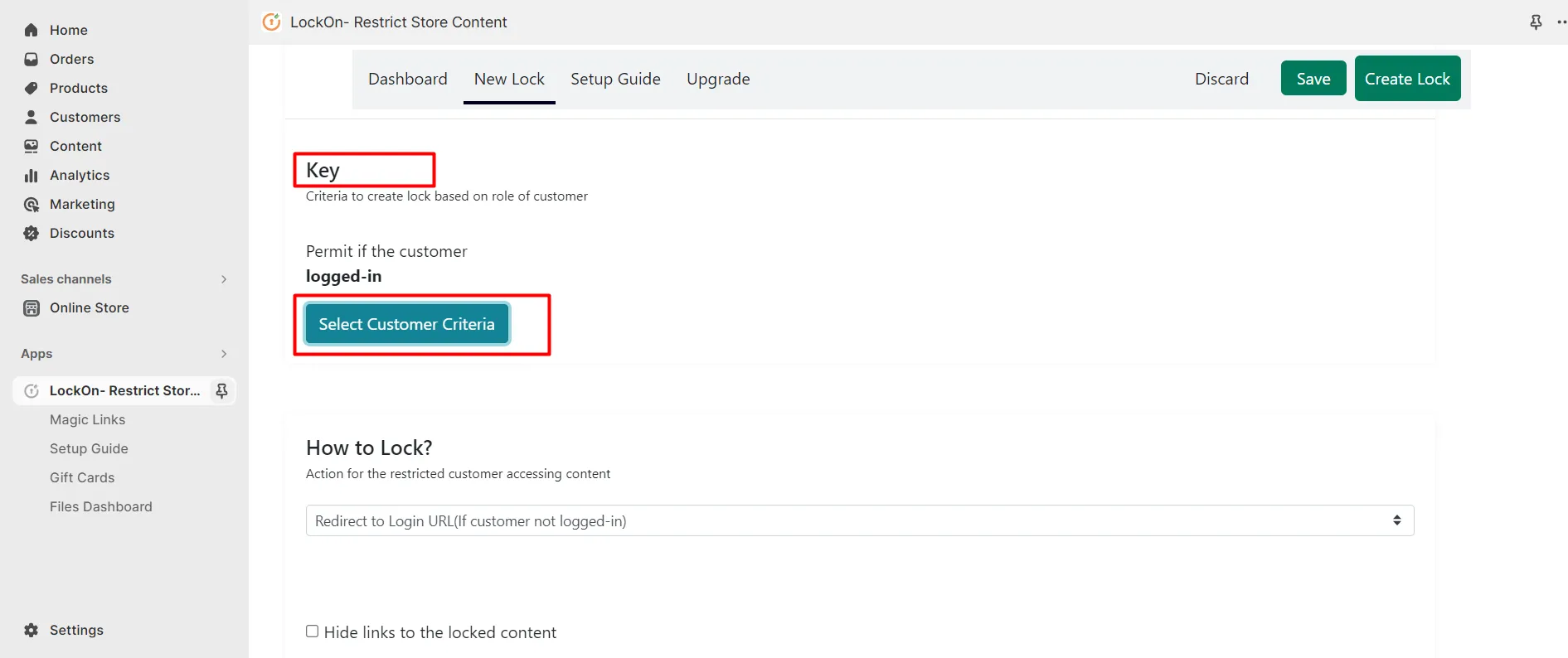
- Select the Lock Criteria as Logged-in User. Select the Lock Type whether to allow or restrict access to the selected content based on the above criteria.
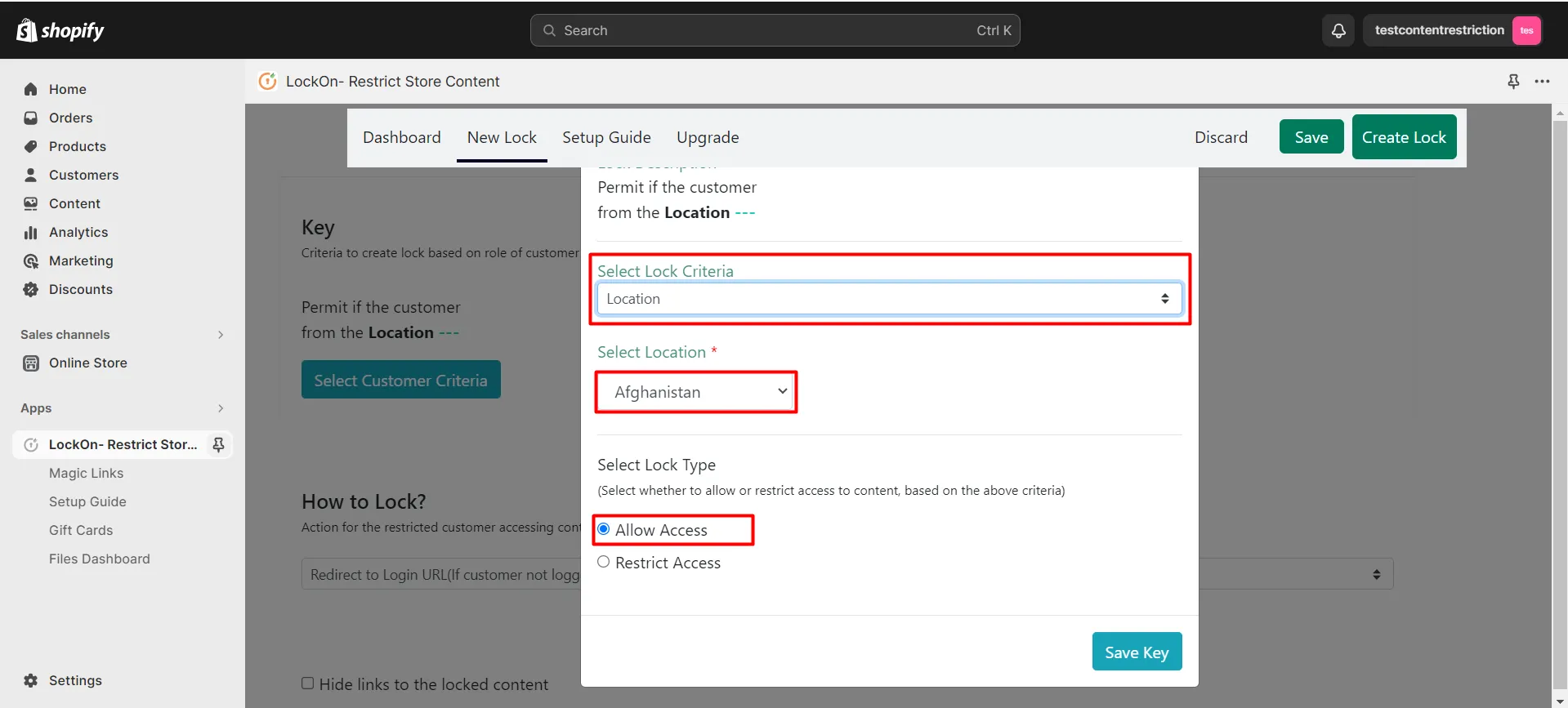
- Click on the Save Key button.
- Navigate to the How to Lock option and select where you want to redirect the restricted users.
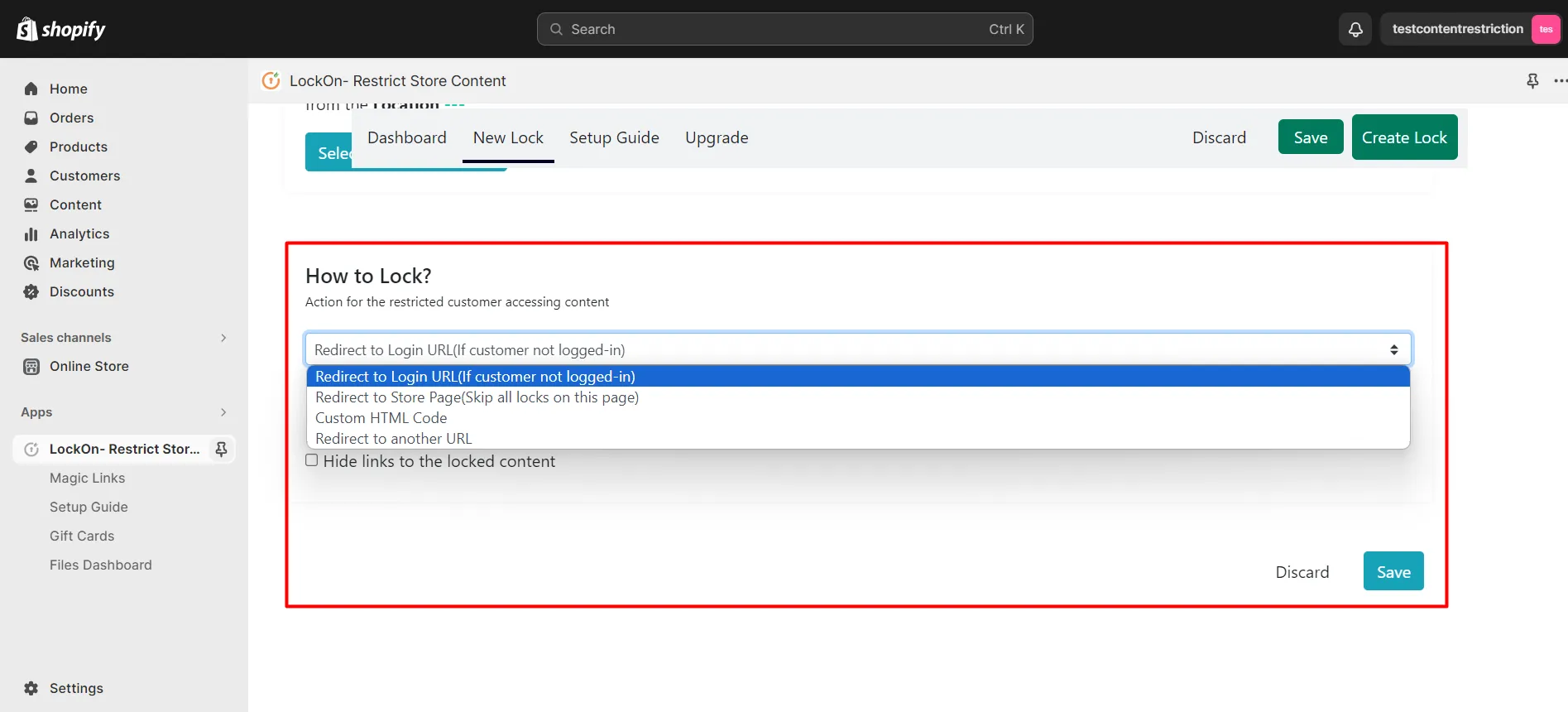
- Click on Save.
Hence, you’ve added a lock to the Add to Cart button in your Shopify store.