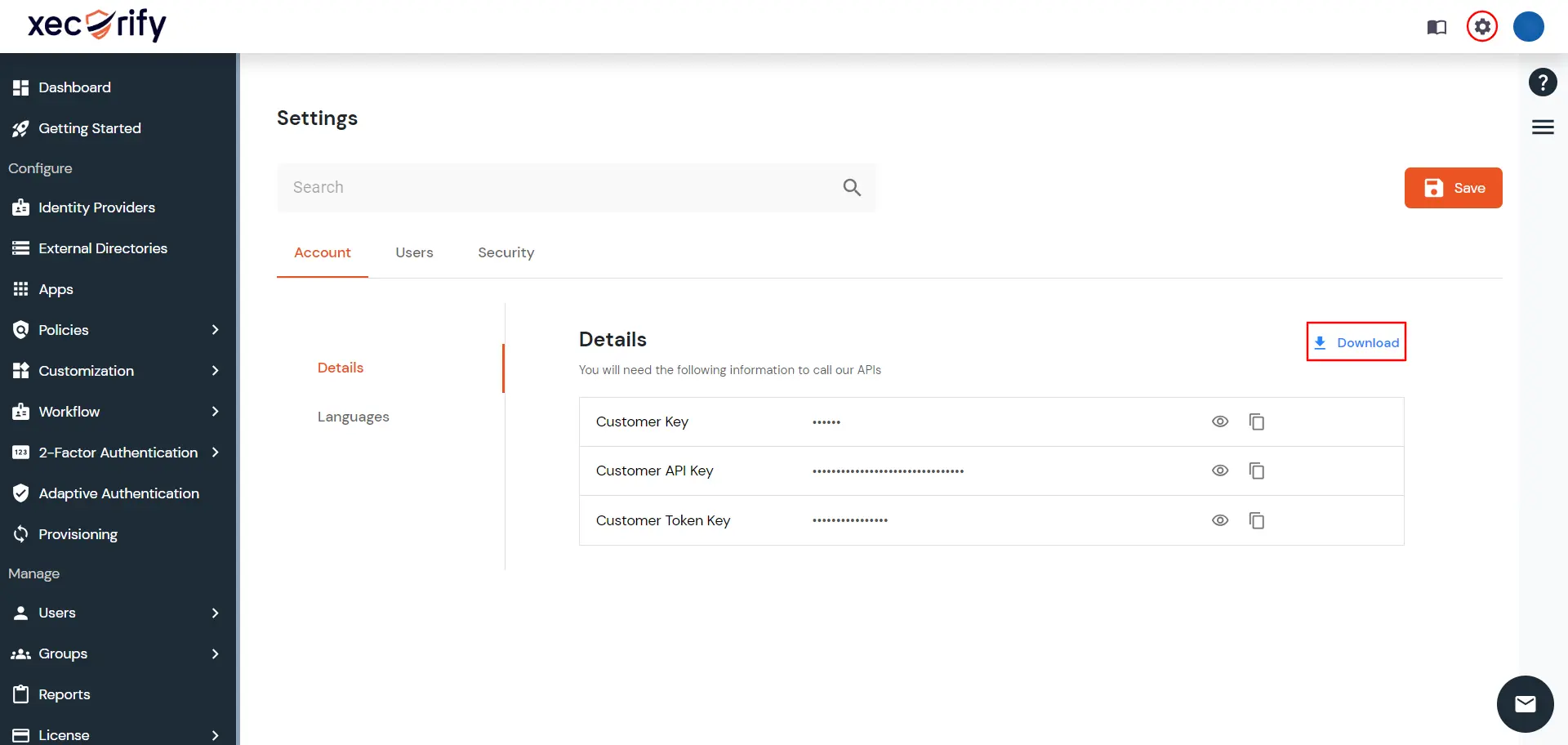
- Login to admin account in On-Premise IdP.
- Go to Settings in the top right side.
- Now visit Account >> Details and then click on Download link to save the file.
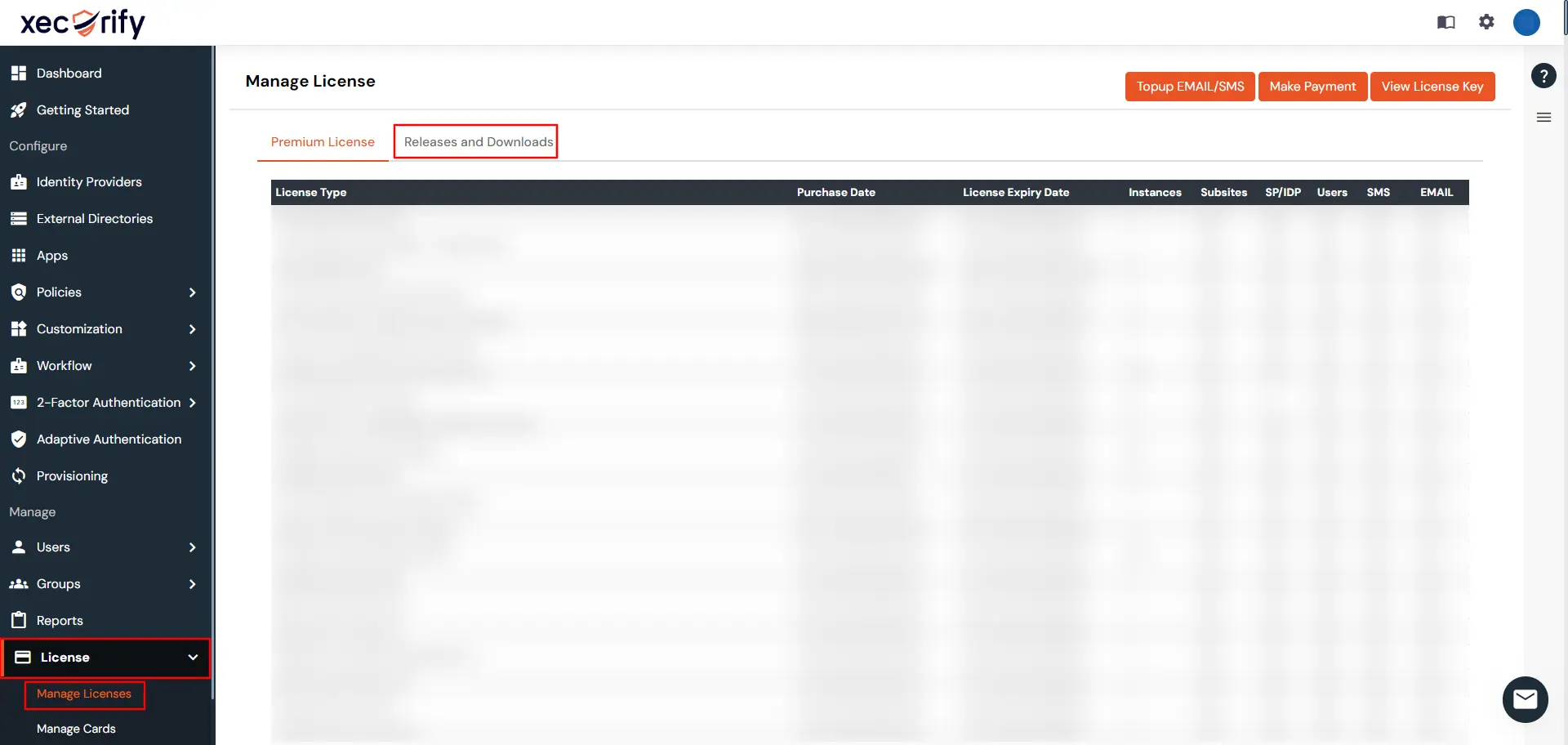
- Login in miniOrange cloud with the account through which the payment was made.
- Go to License >> Manage Licenses and visit Releases and Downloads section.
- Here you will find the Generate License link under Action column.
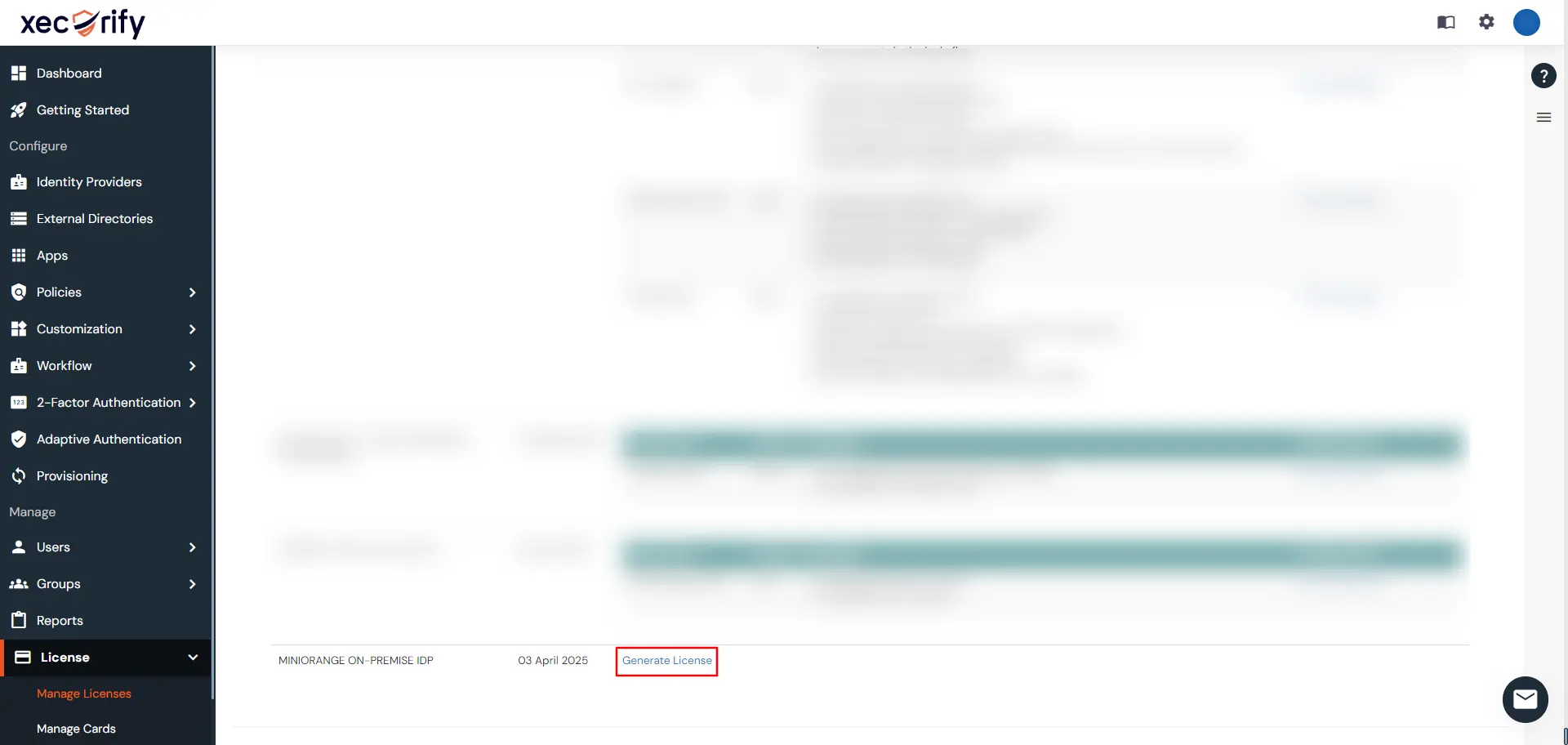
- Click on Generate License.
- A modal will open.

- Click on Choose File and select the On-Premise Account Details file downloaded in Step 3.
- Click on Upload.
- A new license file will get downloaded.
- Visit to your server directory.
- Go to
moas\WEB-INF\classes. - Replace the license file downloaded in Step 11.
- Start the Server.
- Go to Browser and hit
<your-domain><:port>/initialize.

- To verify your license visit License section from the left menu.
- Drop an email to idpsupport@xecurify.com, if you face any issue during license generation.