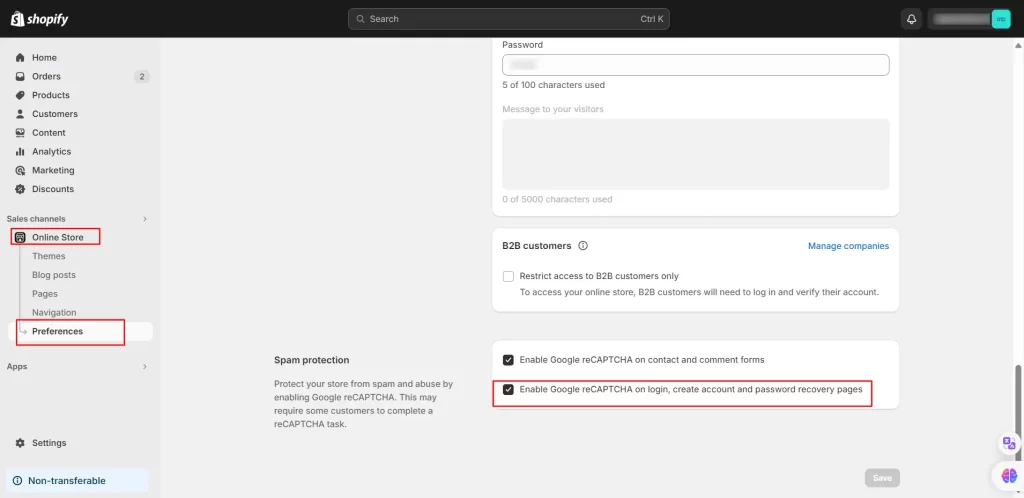
To enable or disable the reCAPTCHA in your Shopify store, follow the steps given below:
- Navigate to your admin dashboard.
- Under Sales Channel, click on Online Store.
- Click on Preferences.
Please feel free to contact us at shopifysupport@xecurify.com.