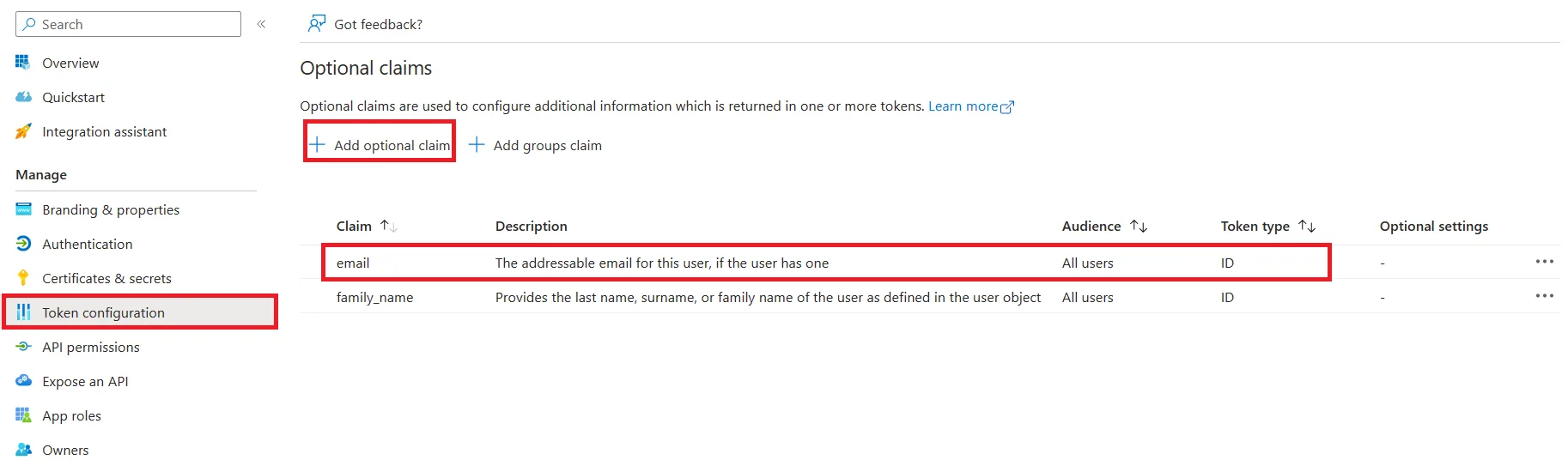
1. Go to Token Configuration -> Add optional claim.
2. Select Token type as ID.
3. Select email claim.
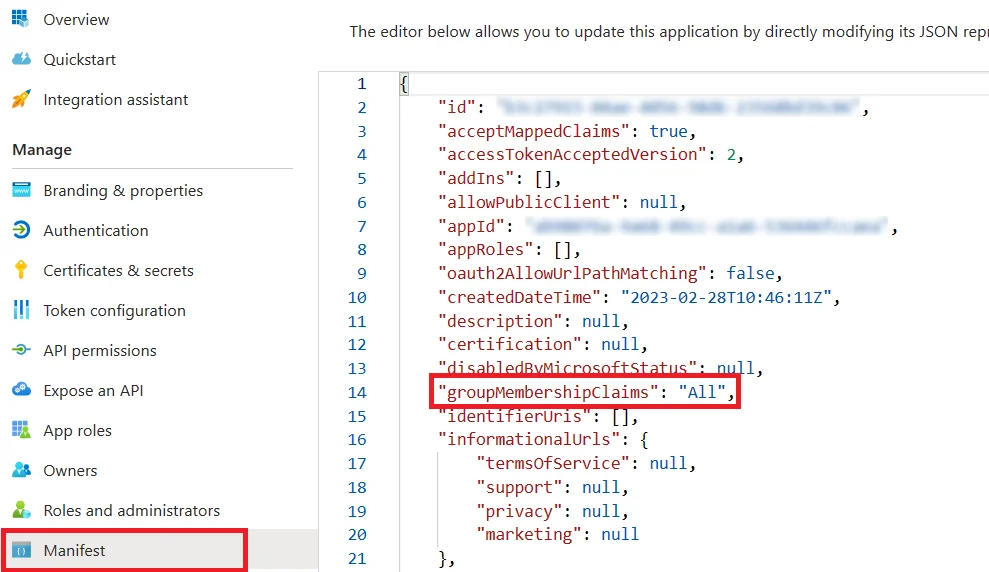
4. Go to the Manifest tab and find groupMembershipClaims and change its value to “All” and click on the Save button.
113 views 0
1. Go to Token Configuration -> Add optional claim.
2. Select Token type as ID.
3. Select email claim.
4. Go to the Manifest tab and find groupMembershipClaims and change its value to “All” and click on the Save button.