How can I resolve the ‘You need to setup your custom app!’ error page, even after the configurations are correct?
134 views 0
Please go to Sales Channel > Online Store > Customize
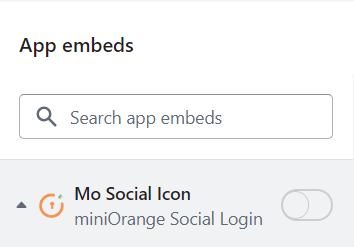
Under App Embeds, please turn off the Mo Social Login toggle. Please see the screenshot below for reference.
Now, go to the miniOrange Social Login application.
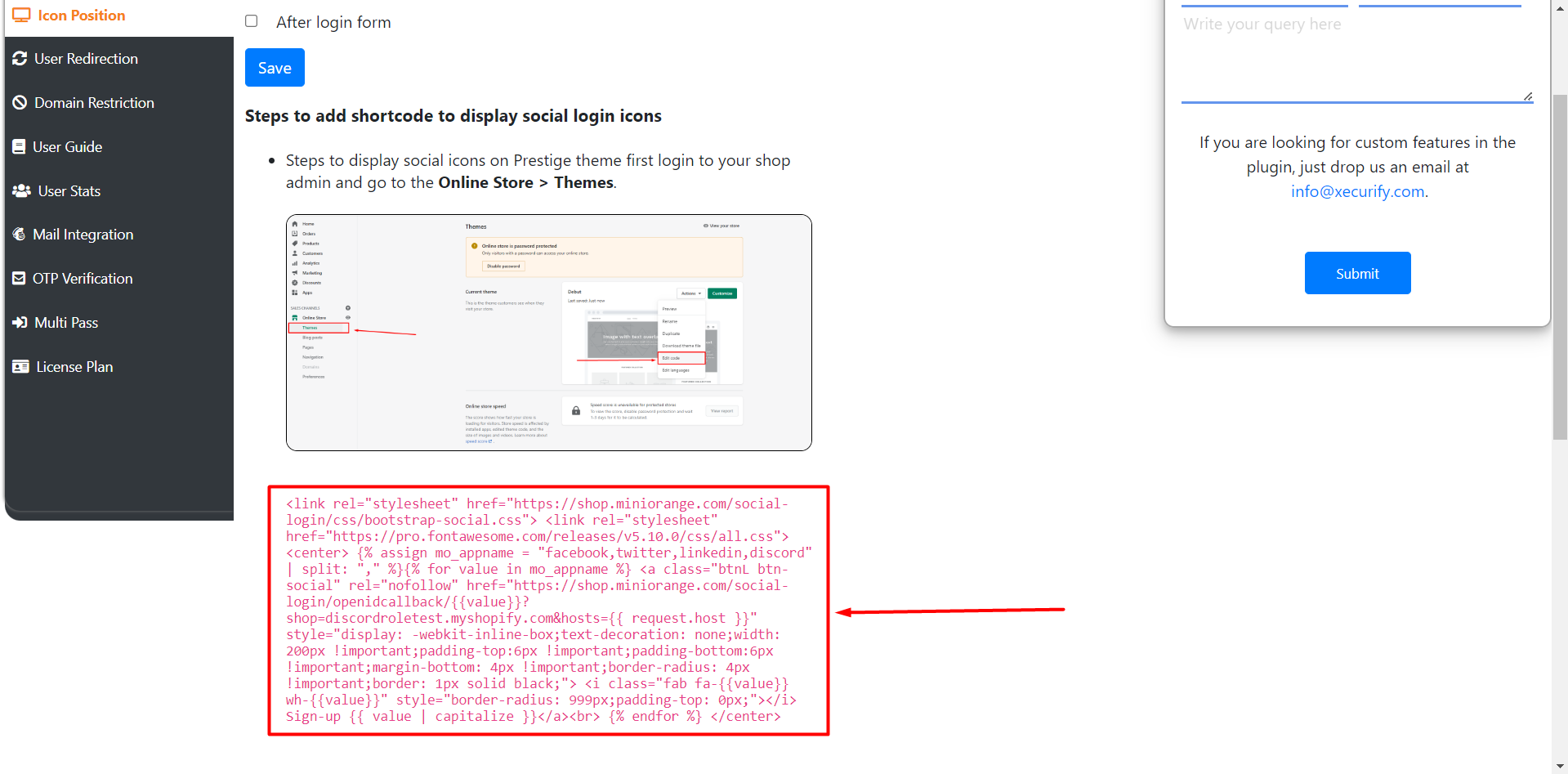
Under Icon Position, Click on Save and Copy the script provided below. Please see the screenshot below for reference.
Go to Sales Channel > Online Store > Edit Code and search for main-login.liquid
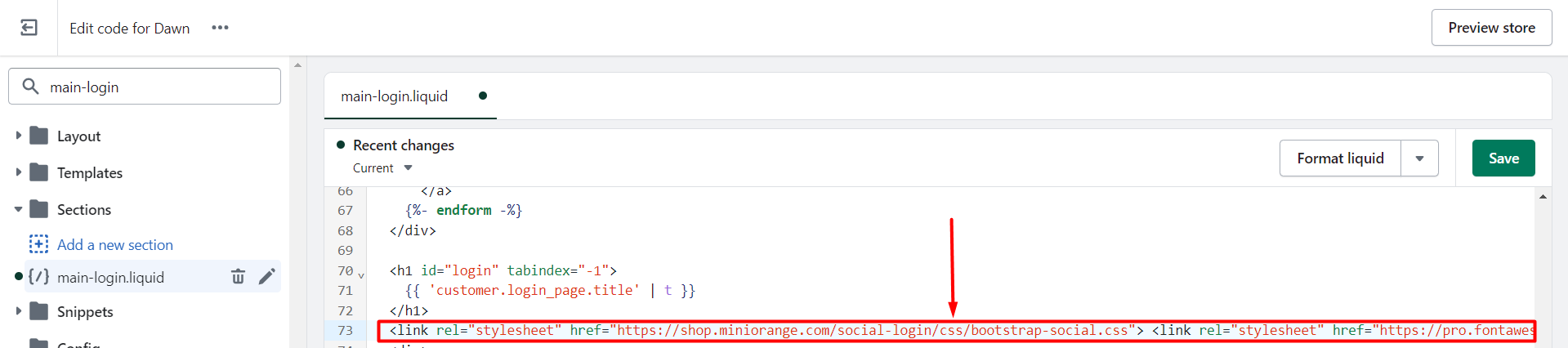
Under main-login.liquid, search for customer.login_page.title and paste the code below the closing h1 tag. Please see the screenshot below for reference.
Save the theme file, and try to log in again in an Incognito/Private window. The issue should be resolved now.