I want to change my email address registered with miniOrange, How to change it?
864 views
6
- To change the email address registered with miniOrange, click on the https://login.xecurify.com/moas/viewenduser.
- Sign in using your miniOrange account credentials.
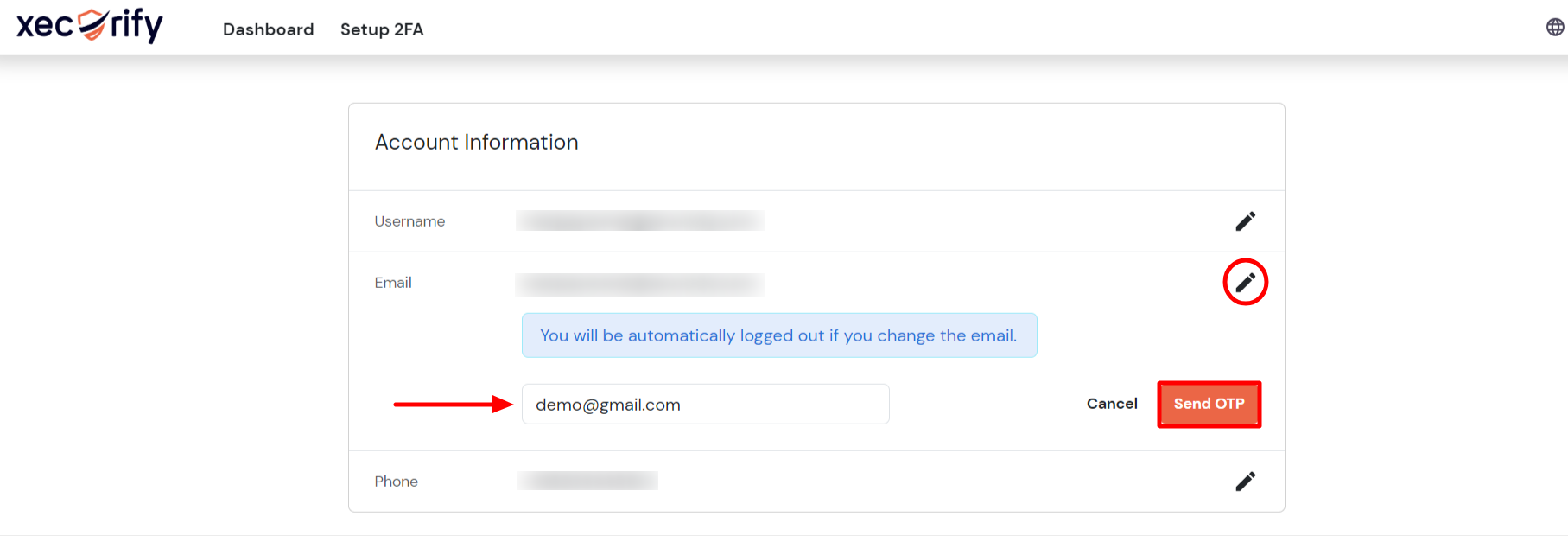
- Click the edit symbol, enter the email address you wish to correct, and then click the Send OTP button.
- Enter the OTP that you received on your email in the OTP field, then click the Validate button.
- You have successfully change email address registered with miniOrange.